Missed instructions.
The seller's requests never make it from the listing agent to the person standing at the door.

Built by REALTORS® for responsible property showings
Locksy brings seller instructions, property checklists, lock-up confirmation and showing feedback into one guided workflow, helping agents care for every home and keep clients informed.
Currently in pilot on iOS — founding members get early access.
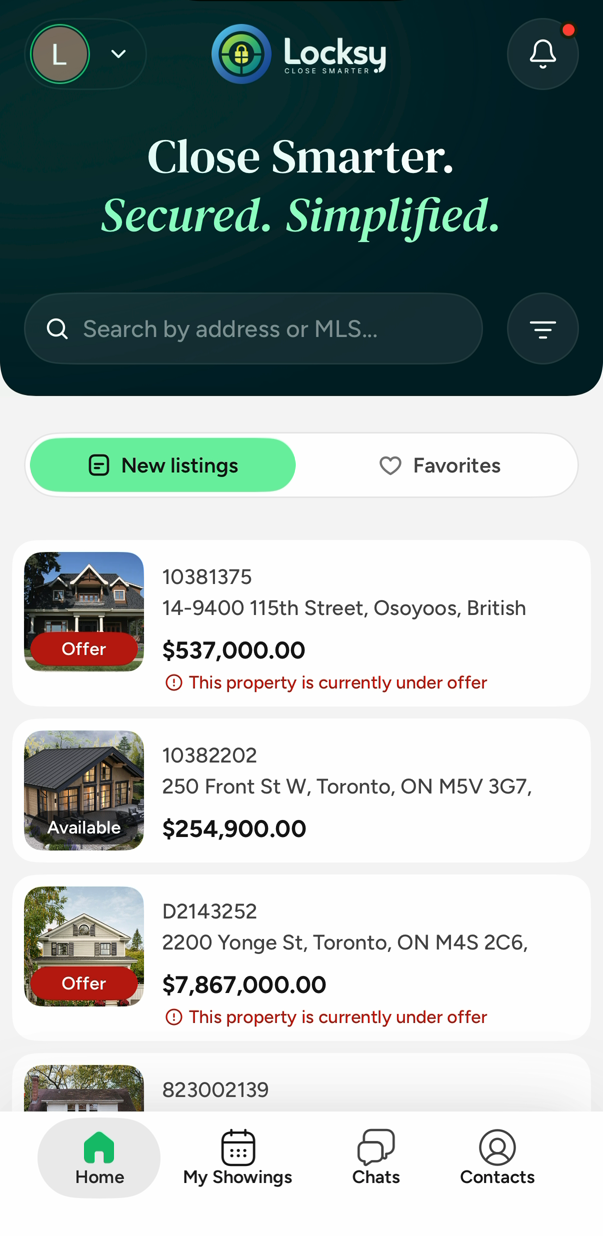
The problem
A missed instruction or incomplete lock-up check can put property and client confidence at risk. Give every agent a clear process to follow, from entry to the final check before leaving.
The seller's requests never make it from the listing agent to the person standing at the door.
A side door or a lockbox left open turns a routine showing into a serious problem.
Lights, blinds, thermostats and alarms — the small things sellers always notice.
The seller is waiting to hear how it went, and the details fade on the drive home.
A more consistent showing process, with accountability built into each step.
Safety & accountability
Consumer protection, property security and agent accountability start with the details of each showing.
Keep the seller’s instructions close at hand, so showing agents can follow the details that matter to the home and the people who live there.
Give listing and buyer’s agents a shared showing workflow, with property instructions, guided steps and a final lock-up confirmation.
Capture showing feedback by voice or text and pass it to the listing agent, helping the team keep clients informed and address questions promptly.
Property instructions, checklists and showing feedback help support a consistent, documented process. Agents remain responsible for meeting legal, regulatory, brokerage and professional requirements.
How it works
Locksy turns the details of a showing into a repeatable flow that any agent can follow — including the ones who joined last month.
Sit down with your seller once and capture what matters: lockbox and alarm codes, the dog in the backyard, blinds to close, lights to switch off, thermostat settings.
Look up the property, and Locksy walks you through it step by step — entry, access details, the walkthrough, and a lock-up confirmation before you leave.
Capture feedback on the spot by voice or text. It goes to the listing agent, who can pass it straight to the seller — no screenshots, no retyping.
What's inside
One app for the whole showing — from finding the property to closing the door behind you.
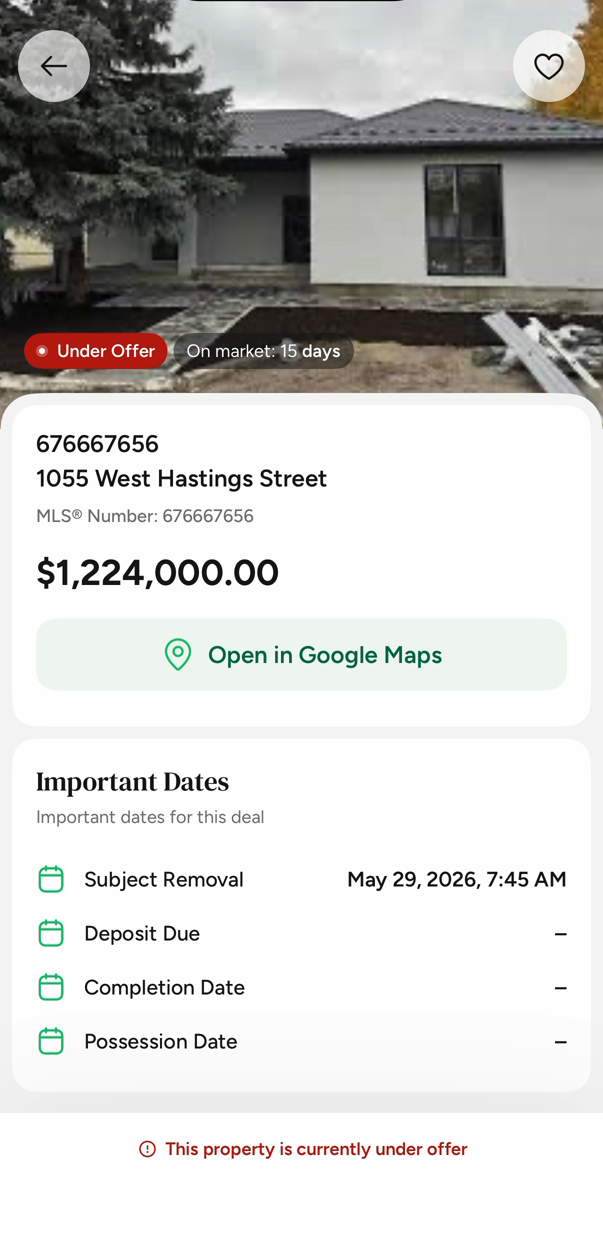
Address, price, MLS® number, the listing agent, the next available slot, and every date that matters — subject removal, deposit, completion, possession. No hunting through email before a showing.
A guided, structured flow for every showing — entry, access details, the walkthrough, and lock-up — in order, every time, to help agents follow the property’s instructions.
Sit in the car and just talk. Locksy turns what you say into structured feedback, so you're not thumb-typing notes between appointments.
A final checklist prompts the showing agent to confirm the seller’s lock-up instructions — doors locked, alarm set, lights off.
Search by address or MLS® number, filter by status and price, and save the ones you're working.
Request a showing, see the next available slot, and keep approvals in one thread instead of five texts.
Flag a property the moment an offer lands, so nobody drives across town to show a home that's already spoken for.
Switch between buyer's agent and listing agent from the home screen. Listing agents get the deal tools and reminders.
Message other agents in the app, attach a photo to a question, and keep lawyers, inspectors and brokers a tap away.
Being built next — not available in the pilot.
Inside the app
Real screens from the current iOS build.
A tool made by people who run showings for a living.
Find any property by address or MLS® number.
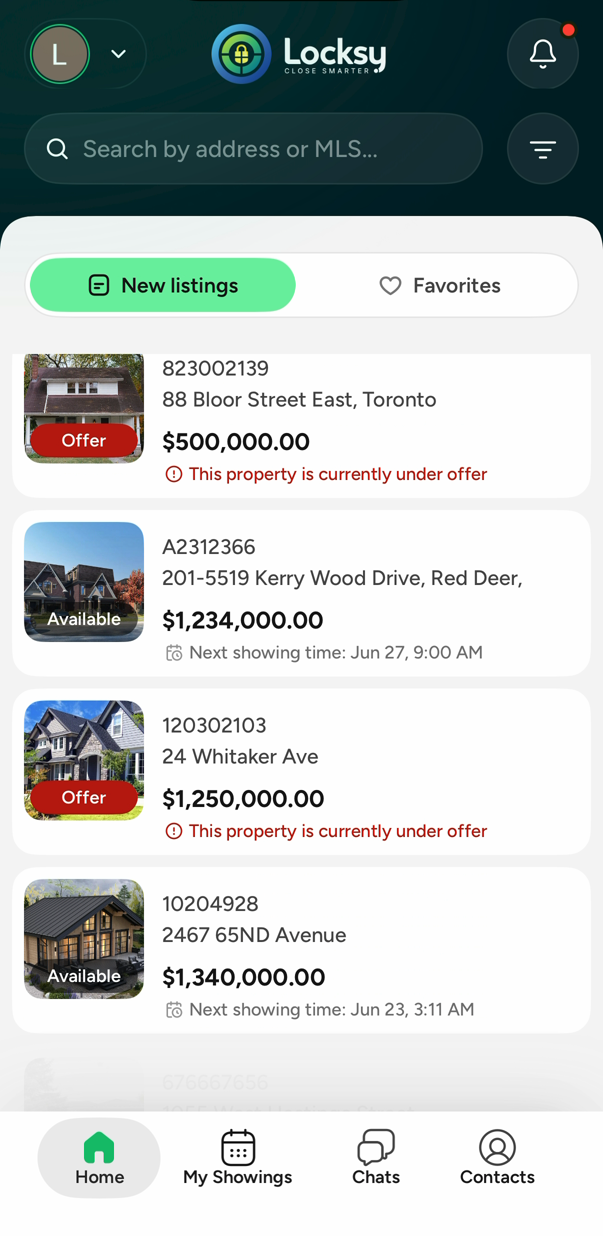
See what's available and what's under offer at a glance.
Dates, the listing agent, and the next available slot.
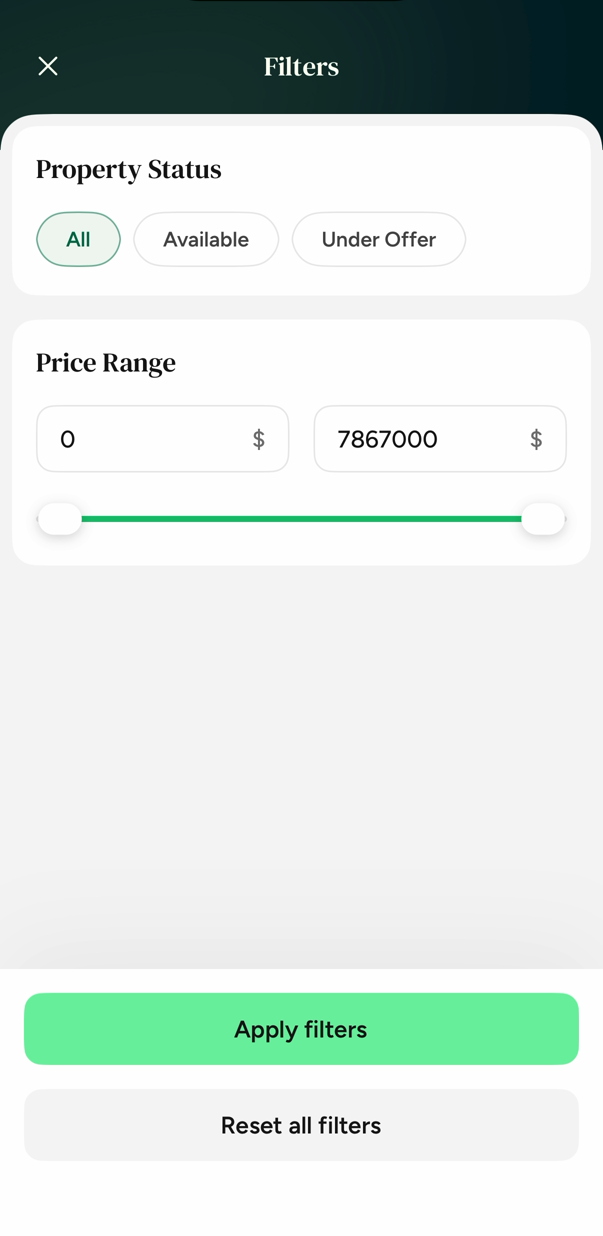
Narrow by status and price in a couple of taps.
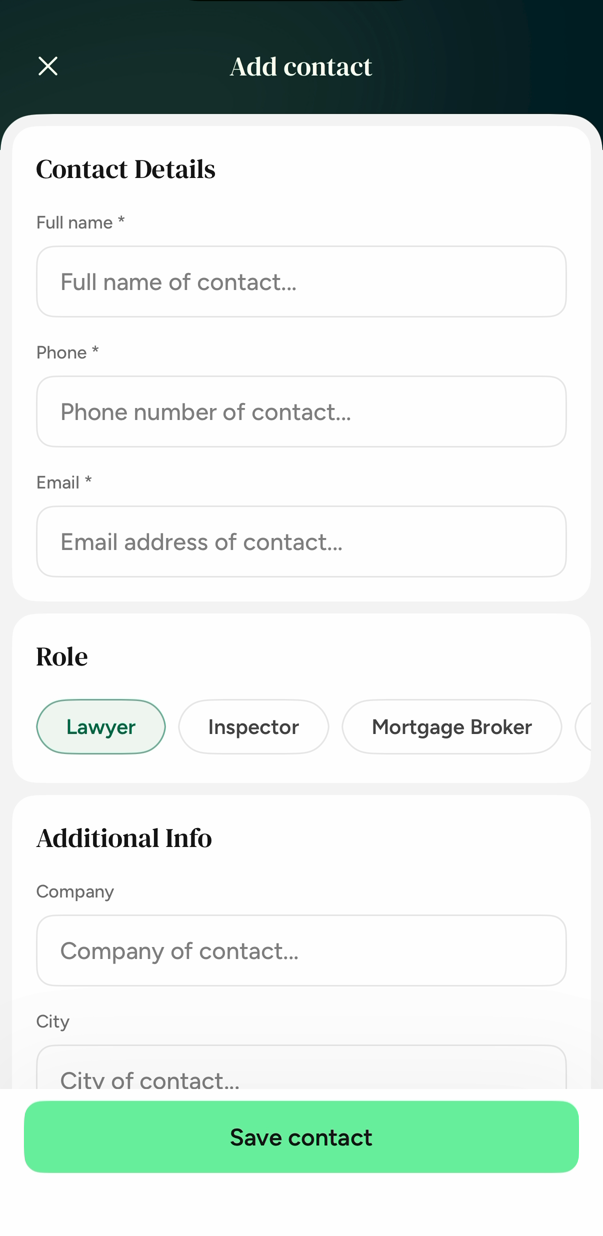
Lawyers, inspectors and brokers saved by role.
See it running
Just under a minute, recorded on an iPhone. No slides, no mockups — the actual app.
Who built this
Locksy started with a working real estate team who had run thousands of showings on tools they didn't like — and who kept watching the same small things go wrong.
Newer agents were never taught how to run a proper showing. Experienced agents were carrying a dozen details in their head. Both were screenshotting feedback and texting it to sellers. Locksy is the tool they wanted: guided enough for an agent's first month, fast enough for their thousandth showing.
Sellers expect professionalism. Locksy is how you deliver it, on every single showing.
Questions
Founding members
Join the pilot, get early access, and help shape the tool before it reaches everyone else.
Your email app should open with a pre-filled message to Kelsi. Send it to complete your request.
iOS pilot. No charge to take part. Opens an email draft — send it to request access.